Parrots
CLICK FOR ORIGINAL
Challenge 241 -- Image 1
Home
Previous
Next
Favorites
Originals
Commentary

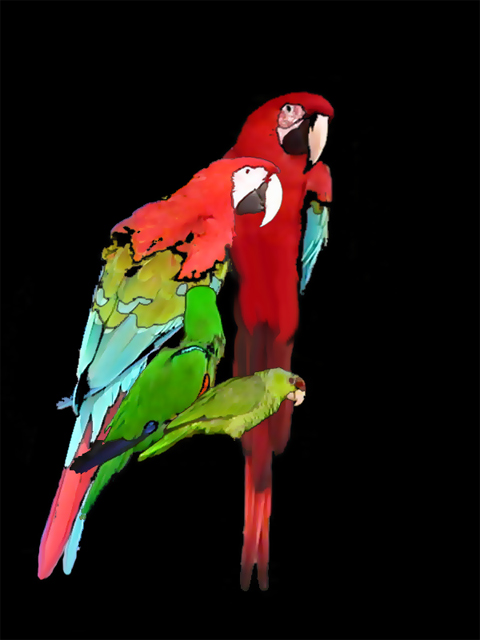
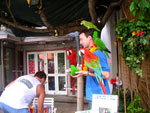
The parrots grabbed my attention immediately and I decided to see whether I could select them in a somewhat different way. I used Select>Color Range to create five different layers, each a different segment of color. I put a one pixel stroke around each color segment, then did a copy merged for each bird to put them on separate layers. This allowed me to arrange the birds as I liked. I used the smudge tool to re-create the tail feathers and a smart blur to smooth the feather textures.

Parrots
All Images © by Original Owners; Other Images & Site © 2003-2008 R. E. Warren
setstats 1 setstats 1 setstats